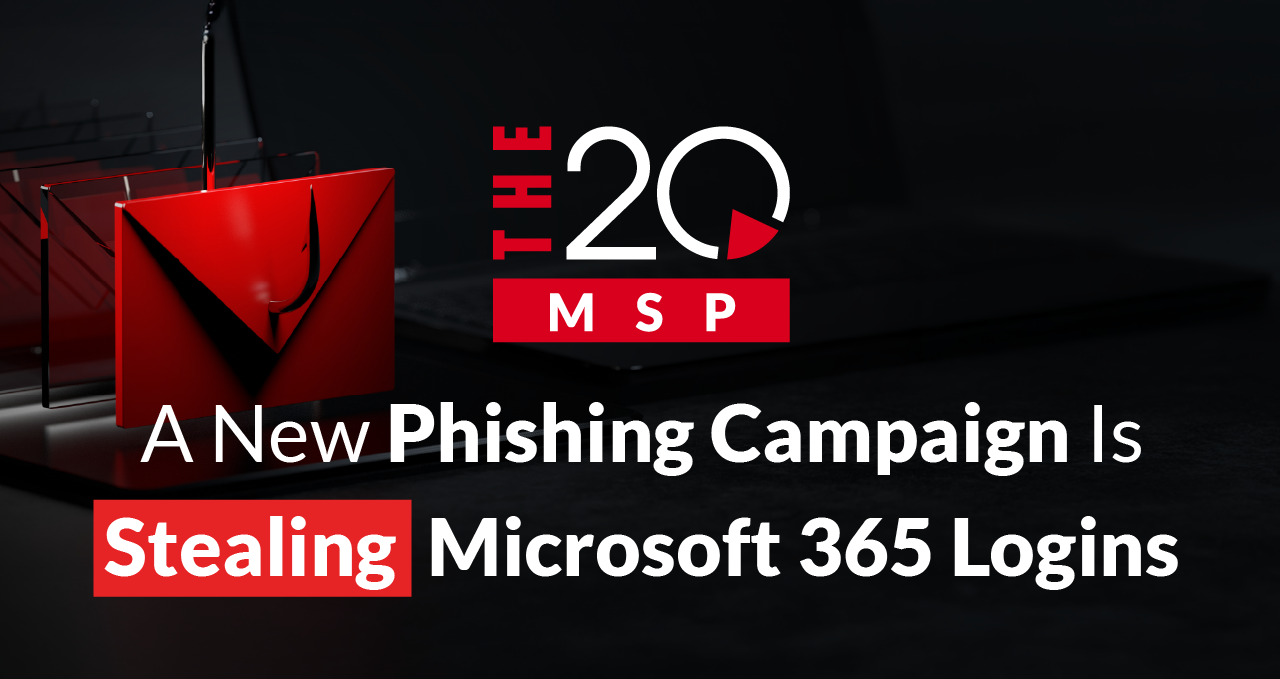
A New Phishing Campaign Is Stealing Microsoft 365 Logins
That’s right, we’ve got a new phishing campaign on our hands. Check Point researchers recently uncovered an attack where cybercriminals are abusing Google Cloud’s Application Integration to send malicious emails that look completely legitimate. In just a 14-day period, over 9,394 fake emails were sent to approximately 3,200 customers over a 14-day period. That number is almost certainly higher, as the campaign has remained active since its discovery
In this blog, we’ll break down how the attack works, who it’s targeting, and what you can do to stay protected.
The Hack
By abusing Google Cloud’s application integration, hackers are impersonating Google-generated emails with shocking accuracy. The messages come from a legitimate Google address: noreply-application-integration@google.com and mimic anything from voicemail alerts, file-access notifications, or permission requests, all of which are mundane, typical Google Cloud alerts.
Because the email originates from Google, phishing attackers can bypass traditional phishing detection. Most users won’t think twice when sent something that appears to come directly from Google, which is what makes this attack so effective.
How the Phishing Attack Works
1. Initial Email
A fake Google email lands in your inbox. You click the link provided.
2. Fake CAPTCHA Check
You’re redirected to a fake CAPTCHA page designed to evade automated security tools.
3. Website Redirection
You’re then sent to a false Microsoft login page that asks for your password.
4. Credential Harvesting
When you enter your password, your credentials are stolen by the attacker.
Before you ever suspect anything is wrong, your account has already been compromised.
Who It’s Targeting
This attack has primarily targeted:
- Manufacturing/industrial (19.6%)
- Technology/SaaS (18.9%)
- Finance/banking/insurance (14.8%)
Consulting, retail, advertising, education, healthcare, energy, government, travel, and transportation have also been targeted to a lesser extent. The common theme is that these sectors rely heavily on automated notifications, shared documents, and permission-based workflow, which makes fake Google alerts difficult to catch.
Nearly half (48.6%) of these attacks have occurred in the United States, with around 40% appearing across Asia and Europe. Additional attacks have been observed in Canada, Latin America, the Middle East, and Africa, showing just how widespread this campaign is.
How to stay safe
Standard phishing prevention practices are still the best defense:
1. Question urgency and unusual requests
Pause and consider the email. Were you expecting that voicemail or file access request? That voicemail from a strange number? Were you expecting a file access request?
Tip: Attackers often create a sense of urgency. Slow down, don’t click anything, and verify before taking action.
2. Verify the sender
Even if the email looks like it’s from a legitimate Google or Microsoft address, check the full email headers when possible. This can help stop a phishing attempt early.
3. Check URLs before clicking
Hover over links to preview the destination URL. If it leads to a non-Microsoft or suspicious site, don’t click.
Tip: Open a known Microsoft login page separately and compare the URLs.
4. Use multi-factor authentication (MFA)
MFA can reduce the risk of account compromise by up to 99%, even if your password is stolen.
5. Keep software and security tools up to date
Security updates often patch vulnerabilities that phishing campaigns exploit.
6. Report suspicious emails
Forward suspicious emails to your IT for review, even if they look legitimate.
7. Use unique passwords across accounts
Different passwords limit the damage caused by a single compromised account.
8. Train your team
Ongoing cyber awareness training helps employees spot red flags, such as strange language, unexpected attachments, or fake CAPTCHAs.
Moral of the Story
Not every phishing attack looks suspicious anymore.
When attackers send emails through trusted platforms like Google, it takes more than a keen eye to spot them. It takes a combination of user awareness, verification, and layered security to stop attacks like this, and even then, some attacks are designed to slip through.
The key is to pause and consider. If something feels off, slow down and verify before clicking. And when in doubt, reach out to your IT department for guidance.
If you have any questions or concerns about phishing (or any other cybersecurity issue), please don’t hesitate to reach out. At The 20 MSP, our security team works around the clock to help keep clients informed and protected against these new threats.
If you found this helpful, consider sharing it to help spread awareness about this ongoing phishing campaign.
Want more tips like this?
Subscribe using the form on the right< and get our latest insights delivered straight to your inbox.
About The 20 MSP
As a leading provider of managed IT services, The 20 MSP serves thousands of businesses nationwide, including single and multi-location organizations, delivering white-glove service, secure and streamlined IT infrastructure, and 24/7/365 support. We believe in building lasting relationships with clients founded on trust, communication, and the delivery of high-value services for a fair and predictable price. Our clients’ success is our success, and we are committed to helping each and every organization we serve leverage technology to secure a competitive advantage and achieve new growth.